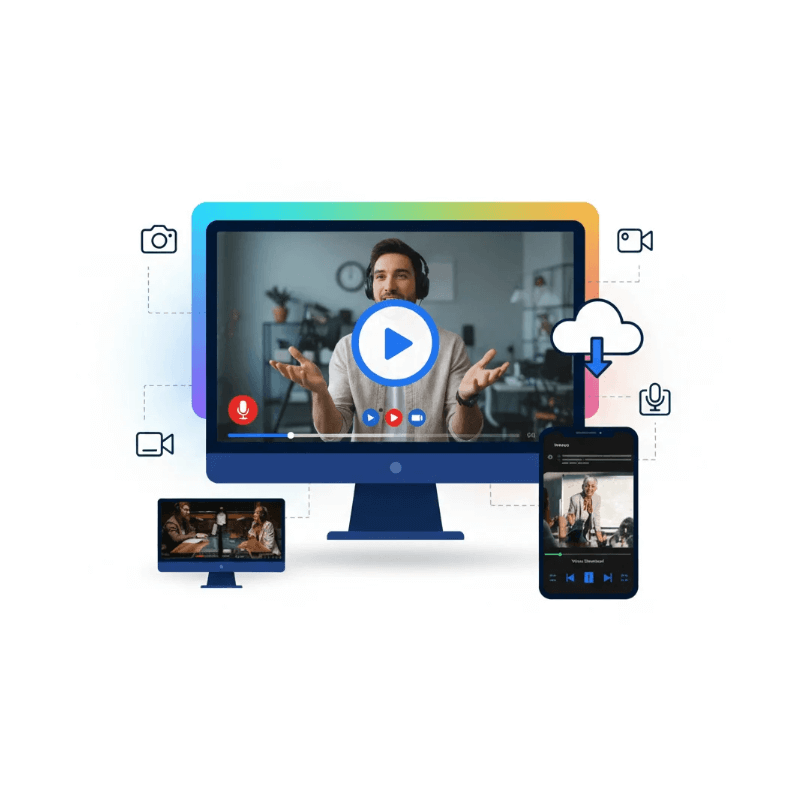
Online Screen Recorder

Free online screen recorder to capture your screen, audio, and webcam without downloads. Record instantly from your browser for work, study, or content creation!
+ Start Recording

How Online Screen Recorder Works

3 Steps to record your screen online for free!

Step 1

Launch Online Screen Recorder
Step 1. Open the Online Screen Recorder website in your browser. No installation or registration is required.

Step 2

Choose Recording Options
Step 2. Select the recording area (full screen, window, or browser tab) and enable microphone or system audio as needed.

Step 3

Start & Save Your Recording
Step 3. Click “Start Recording” to begin. When finished, stop the recording and instantly preview or download the video.

KeepVid Online Screen Recorder

KeepVid Online Screen Recorder is a free, browser-based tool that lets users record screen activities with audio instantly. It’s ideal for tutorials, meetings, gameplay, and demos, offering fast setup, high-quality output, and secure recording without installing software or extensions.
Full Screen Recording

Capture the entire screen in high resolution.

Window & Tab Recording

Record a specific app window or browser tab only.

Webcam Overlay

Record facecam alongside screen content.

System Audio Capture

Record internal computer sound with clarity.

Microphone Recording

Add voice narration using an external or built-in mic.

Screen + Audio Sync

Perfectly sync video and audio during recording.

Real-Time Recording Control

Pause, resume, or stop recording anytime.

Instant Video Preview

Review recordings immediately after completion.

One-Click Video Download

Save recorded videos locally with no watermark.

More than 10,000 sites are supported​ to record

Facebook

Instagram

Threads

Twitter

TikTok

DailyMotiton

Twitch

Tumblr

Pinterest

Reddit

LinkedIn

Telegram

Blogger

Discord

Weibo

Mixcloud

Bandcamp

Soundcloud

FAQ

Frequently Asked Questions
Yes, KeepVid Online Screen Recorder is free to use with no hidden fees or subscriptions required.
No installation is needed. KeepVid Online Screen Recorder works directly in your web browser.
Yes, you can record your screen along with system sound, microphone audio, or both.
Yes, you can enable webcam overlay to record your face together with the screen.
KeepVid Online Screen Recorder supports high-quality and HD screen recording for clear and smooth videos.
No, recordings are processed locally and can be downloaded directly to your device.
KeepVid Online Screen Recorder works on all major browsers across Windows, macOS, and Linux.
Yes, once recording is finished, you can preview and download the video immediately.

KeepVid Screen Recorder

Record Your Screen Online in One Click. Hit record. Capture everything!
Supported sites
0 +
File formats
0 +
Customers
0 +
KeepVid Screen Recorder

More Tools

Online Video Downloader

Download online videos fast in high quality for offline viewing.

YouTube Video Summarizer

Summarize YouTube videos instantly without watching full videos.

AI Video Summarizer

Summarize videos instantly, extract key points, save time efficiently online.