
Online na Pang-convert ng Larawan
Agad na i-convert ang mga larawang JPG, PNG, WebP, GIF at SVG gamit ang Libreng Online Image Converter. Ang suporta sa batch at bulk conversion ay nagbibigay-daan sa iyong magproseso ng maraming file nang sabay-sabay.
Libreng Pang-download ng Larawan
Mag-download ng mga larawan nang maramihan mula sa kahit anong site
I-extract ang mga larawang may mataas na resolution nang walang watermark
Mag-save ng maraming larawan sa isang click lang
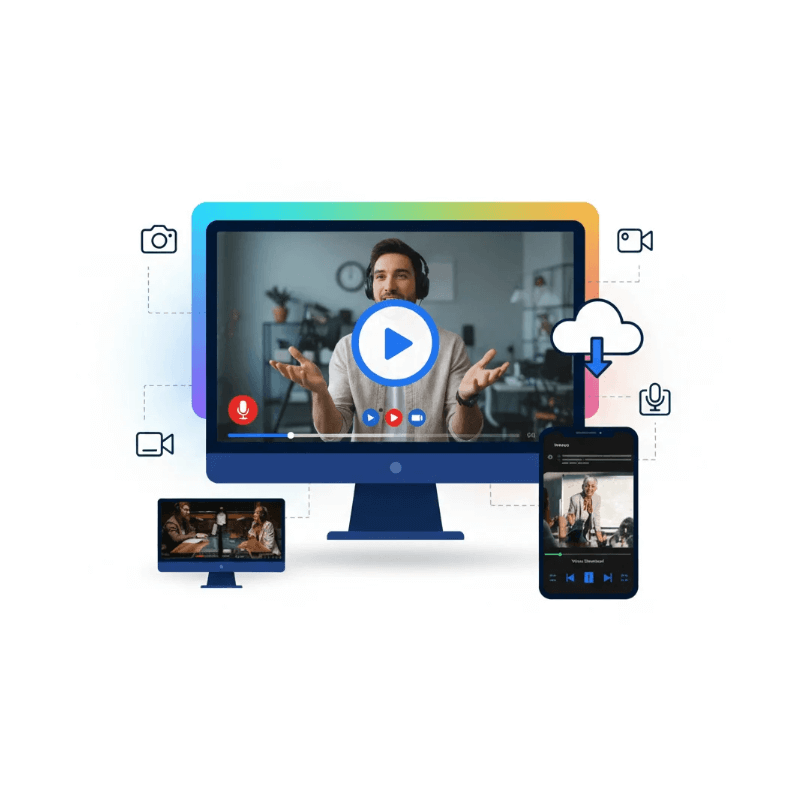
Libreng Screen Recorder
Kunin ang lahat, hindi lang ang mga tab ng iyong browser
I-highlight ang mga keystroke at mga galaw ng mouse
Gumuhit sa mga video sa totoong oras
Libreng Pang-download ng Video
Mag-download ng mga video nang maramihan mula sa kahit anong site
I-extract ang mga high-resolution na video nang walang watermark
Mag-save ng maraming video sa isang click lang
Paano Gumagana ang Online Image Converter
3 Hakbang para i-convert ang iyong mga larawang JPEG, PNG, at WebP sa iba pang mga format nang libre!
Hakbang 1
Mag-upload ng Larawan
Hakbang 2
Pumili ng Format
Hakbang 3
I-download ang Larawan
I-convert ang mga Larawan Online Nang Hindi Nawawalan ng Kalidad
Ang KeepVid Online Image Converter ay isang makapangyarihan at madaling gamiting tool para sa pag-convert ng mga imahe sa iba't ibang format. Sinusuportahan nito ang JPG, PNG, WEBP, SVG, GIF, HEIC, AVIF, at marami pang iba. Maaaring mag-upload ang mga user ng isa o maraming imahe, piliin ang nais na format ng output, at mabilis na i-convert ang kanilang mga file nang hindi nag-i-install ng anumang software. Nag-aalok ang tool ng malinis at madaling gamiting interface, preview ng mga na-convert na imahe, at mga opsyon sa batch download. Kailangan mo man ng mga de-kalidad na JPG para sa paggamit sa web, mga naka-compress na PNG para sa disenyo, o mga AVIF file para sa mga modernong browser, pinapasimple ng Online Image Converter ang proseso at tinitiyak ang mabilis at maaasahang mga resulta sa bawat pagkakataon.
Pag-convert nang Batch
I-convert ang maraming larawan nang sabay-sabay sa isang click.
I-drag at I-drop ang Pag-upload
Mabilis na mag-upload ng mga file gamit ang drag-and-drop o browse option.
Suporta sa Maramihang Format
Madaling i-convert ang mga imahe sa JPG, PNG, WEBP, AVIF, ICO.
I-preview Bago Mag-download
Suriin ang mga na-convert na larawan bago i-save sa iyong device.
Mabilis at Mahusay
Mataas na bilis ng conversion na may kaunting pagkawala ng kalidad.
Disenyong Tumutugon
Ganap na magagamit sa desktop, tablet, at mga mobile device.
FAQ
Online na Imahe Downloader
Higit pang Mga Tool
Online na Video Downloader
Mag-download ng mga online na video nang mabilis at may mataas na kalidad para sa panonood offline.
Buod ng Video sa YouTube
Ibuod agad ang mga video sa YouTube nang hindi na kailangang manood ng buong video.
AI Video Summaryer
Ibuod agad ang mga video, kunin ang mga mahahalagang punto, makatipid ng oras nang mahusay online.